☰
Current Page
Main Menu
Home
Home
Editing Forking-resources-in-github
Edit
Preview
H1
H2
H3
default
Set your preferred keybinding
default
vim
emacs
markdown
Set this page's format to
AsciiDoc
Creole
Markdown
MediaWiki
Org-mode
Plain Text
RDoc
Textile
Rendering unavailable for
BibTeX
Pod
reStructuredText
Help 1
Help 1
Help 1
Help 2
Help 3
Help 4
Help 5
Help 6
Help 7
Help 8
Autosaved text is available. Click the button to restore it.
Restore Text
#Upgrade and Maintain Customizations [[_TOC_]] ##About Izenda requires two repositories to be forked; Resources and Reference-Implementations. The resources repository is where the HTML, CSS, and Javascript reside within the Izenda application. The Reference-Implementations repository is where the various RI kits for Izenda are stored. As of now, this includes the Webforms-CS, Webfomrs-Vb, MVC4R2 and MVC5R3 kits. These repositories are public to allow customers to be able to modify the resources on an as-needed basis. In order to keep up with changes we make to these repositories, it is prudent to fork them to keep up with all the updates while maintaining any customizations you might create on your own. ##How to fork To fork the repositories, you will need a github account. This can be obtained through your organization or personally and is a straightforward process. Once you have a github account, visit our [[resources repository page|https://github.com/izenda/resources]] and our [[reference implementations repository page|https://github.com/izenda/reference-implementations]]. There will be a button at the top of the page that says "Fork". Click this and the repository will be added to your personal repositories. 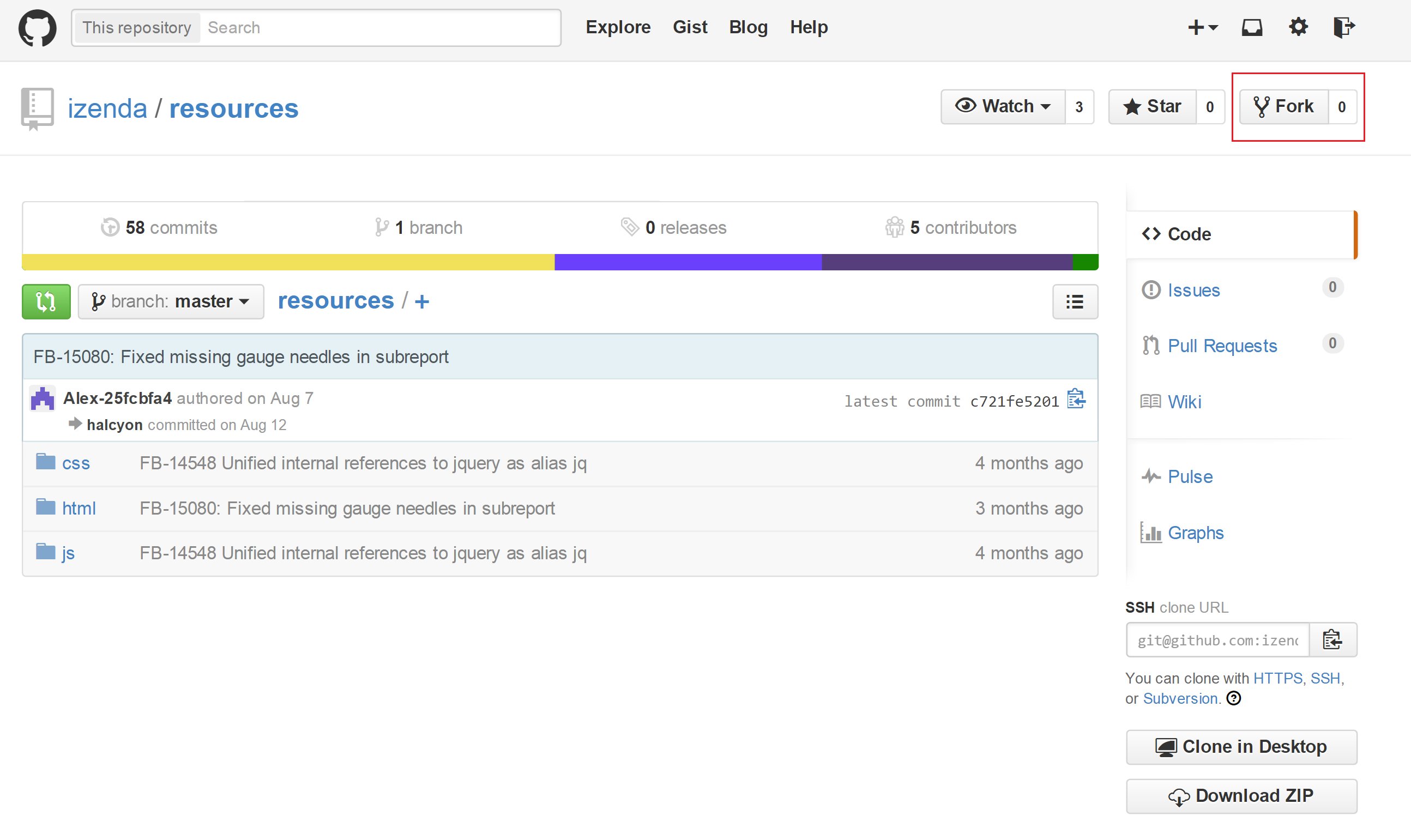 You can now make edits to the resources and kits in your repositories without worrying whether you're going to break functionality. Now whenever you update your Izenda.AdHoc.dll to the latest version, instead of copying the Resources or RI from the zipped archive, you will go to your github interface tool (usually a command line, but GUIs are available) and [[fetch the upstream repository|https://help.github.com/articles/syncing-a-fork/]]. If there are any conflicts when fetching, you can resolve these using a merge tool. Ideally, there will be no conflicts and your resources will be updated with both your changes and any changes made by us in development. This will allow you to stay current and prevent you from losing any of your own work.
Uploading file...
Header
 **This documentation is for the legacy Izenda 6 product. Documentation for the new Izenda 7 product can be found at [[https://www.izenda.com/docs/|https://www.izenda.com/docs/]]**
Sidebar
 --- * [[Izenda 7 Series Documentation|https://www.izenda.com/docs/]] * [[Release Notes]] * [[Upgrade Best Practices|FAQ/Izenda-Update-Best-Practices]] * [[FAQ]] * [[Tutorials]] * [[The Izenda API|/API/AdHocConfig]] * [[The AdHocSettings class|/API/AdHocSettings]] * [Developer Links and Guides](/Guides/Developer-Links-and-Guides) * [[Known Issues]] --- * <a href="http://www.izenda.com" rel="nofollow" target="_blank">Izenda Website</a> * [Product Video](https://www.youtube.com/watch?v=X3-yWFq0w5A) * <a href="http://www.izenda.com/blog" rel="nofollow" target="_blank">Izenda Blog</a> * <a href="http://www.izenda.com/company/" rel="nofollow" target="_blank">About Us</a> * <a href="http://www.izenda.com/contact-us/" rel="nofollow" target="_blank">Contact Us</a> --- * [Guide To Report Design](/Guides/ReportDesign) * [Making Custom Forms Video](http://www.youtube.com/watch?v=5b2axJlgdFs) --- * [[Acknowledgements]]
Edit message:
Cancel