☰
Current Page
Main Menu
Home
Home
Editing VisualizationBaseUrl
Edit
Preview
H1
H2
H3
default
Set your preferred keybinding
default
vim
emacs
markdown
Set this page's format to
AsciiDoc
Creole
Markdown
MediaWiki
Org-mode
Plain Text
RDoc
Textile
Rendering unavailable for
BibTeX
Pod
reStructuredText
Help 1
Help 1
Help 1
Help 2
Help 3
Help 4
Help 5
Help 6
Help 7
Help 8
Autosaved text is available. Click the button to restore it.
Restore Text
#VisualizationBaseUrl [[_TOC_]] ##About **Data Type:** string **Accepted Values:** URL locations **Default value:** string.Empty **Impacted Features:** Report Designer Chart Tab **Purpose:** Gets or sets the base URL of the site in image references for Visualizations on the Chart tab of the Report Designer **Usage:** This setting is used to ensure that the image files are located by the application for Visualizations on the Chart tab of the Report Designer. A typical use case is a multi-tenant application, where the Izenda URL changes based on tenant (i.e. tenant alpha sees URL "http://www.mysite.com/alpha/ReportList" and tenant beta sees "http://www.mysite.com/beta/ReportList") **Caveats:** This setting should not be used in the typical integration. Only use when Visualization images do not appear in the Chart tab of the Report Designer (see screenshots below) ##Code Samples ###Global.asax (C♯) ```csharp //main class: inherits DatabaseAdHocConfig or FileSystemAdHocConfig public class CustomAdHocConfig : Izenda.AdHoc.DatabaseAdHocConfig { // Configure settings // Add custom settings after setting the license key and connection string by overriding the ConfigureSettings() method public static void InitializeReporting() { //Check to see if we've already initialized. if (HttpContext.Current.Session == null || HttpContext.Current.Session["ReportingInitialized"] != null) return; AdHocSettings.LicenseKey = "INSERT_LICENSE_KEY_HERE"; //Creates a connection to Microsoft SQL Server AdHocSettings.SqlServerConnectionString = "INSERT_CONNECTION_STRING_HERE"; Izenda.AdHoc.AdHocSettings.AdHocConfig = new CustomAdHocConfig(); AdHocSettings.VisualizationsBaseUrl = "http://www.mysite.com/"; //The relevant setting HttpContext.Current.Session["ReportingInitialized"] = true; } } ``` ###Global.asax (VB.NET) ```visualbasic 'main class: inherits DatabaseAdHocConfig or FileSystemAdHocConfig Public Class CustomAdHocConfig Inherits Izenda.AdHoc.DatabaseAdHocConfig Shared Sub InitializeReporting() 'Check to see if we've already initialized If HttpContext.Current.Session Is Nothing OrElse HttpContext.Current.Session("ReportingInitialized") IsNot Nothing Then Return 'Initialize System AdHocSettings.LicenseKey = "INSERT_LICENSE_KEY_HERE" AdHocSettings.SqlServerConnectionString = "INSERT_CONNECTION_STRING_HERE" Izenda.AdHoc.AdHocSettings.AdHocConfig = New CustomAdHocConfig() AdHocSettings.VisualizationsBaseUrl = "http://www.mysite.com/" 'The relevant setting HttpContext.Current.Session("ReportingInitialized") = True End Sub End Class ``` ##Screenshots **Visualization Images** 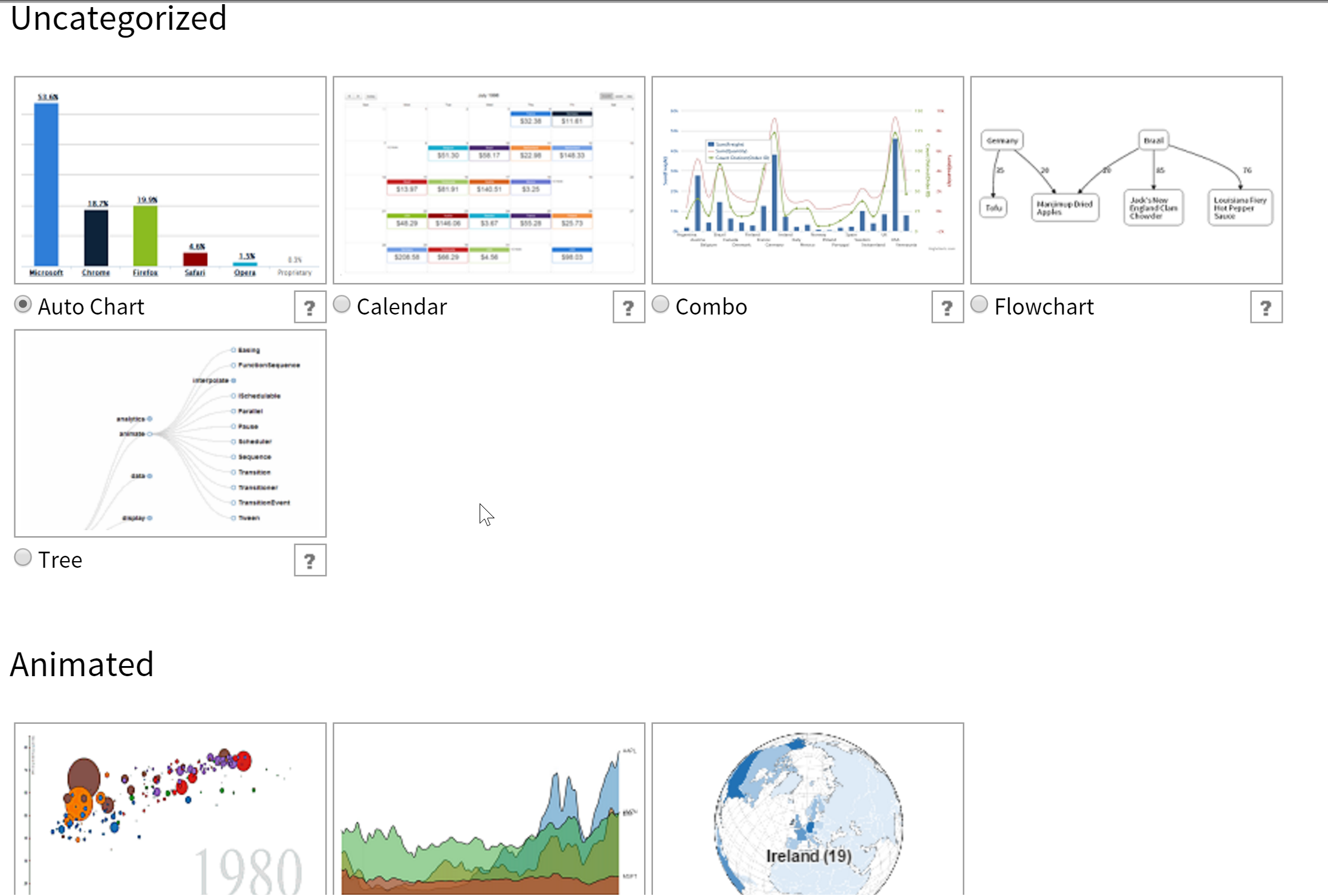 **Missing Images** 
Uploading file...
Header
 **This documentation is for the legacy Izenda 6 product. Documentation for the new Izenda 7 product can be found at [[https://www.izenda.com/docs/|https://www.izenda.com/docs/]]**
Sidebar
 --- * [[Izenda 7 Series Documentation|https://www.izenda.com/docs/]] * [[Release Notes]] * [[Upgrade Best Practices|FAQ/Izenda-Update-Best-Practices]] * [[FAQ]] * [[Tutorials]] * [[The Izenda API|/API/AdHocConfig]] * [[The AdHocSettings class|/API/AdHocSettings]] * [Developer Links and Guides](/Guides/Developer-Links-and-Guides) * [[Known Issues]] --- * <a href="http://www.izenda.com" rel="nofollow" target="_blank">Izenda Website</a> * [Product Video](https://www.youtube.com/watch?v=X3-yWFq0w5A) * <a href="http://www.izenda.com/blog" rel="nofollow" target="_blank">Izenda Blog</a> * <a href="http://www.izenda.com/company/" rel="nofollow" target="_blank">About Us</a> * <a href="http://www.izenda.com/contact-us/" rel="nofollow" target="_blank">Contact Us</a> --- * [Guide To Report Design](/Guides/ReportDesign) * [Making Custom Forms Video](http://www.youtube.com/watch?v=5b2axJlgdFs) --- * [[Acknowledgements]]
Edit message:
Cancel