
#Namespace Izenda's Bootstrap Classes to Avoid Conflicts
##Introduction If your application uses Bootstrap, and you integrate Izenda to use your own master/layout pages, you may need to separate Izenda's Bootstrap classes to avoid CSS conflicts with your own. You will need a CSS pre-processor (SASS or LESS) to accomplish this; both are available in Visual Studio and support namespacing.
##Using SASS Step 1 » To avoid having to change several references throughout the applicaiton, rename main.css (for example, main-no-namespace.css).
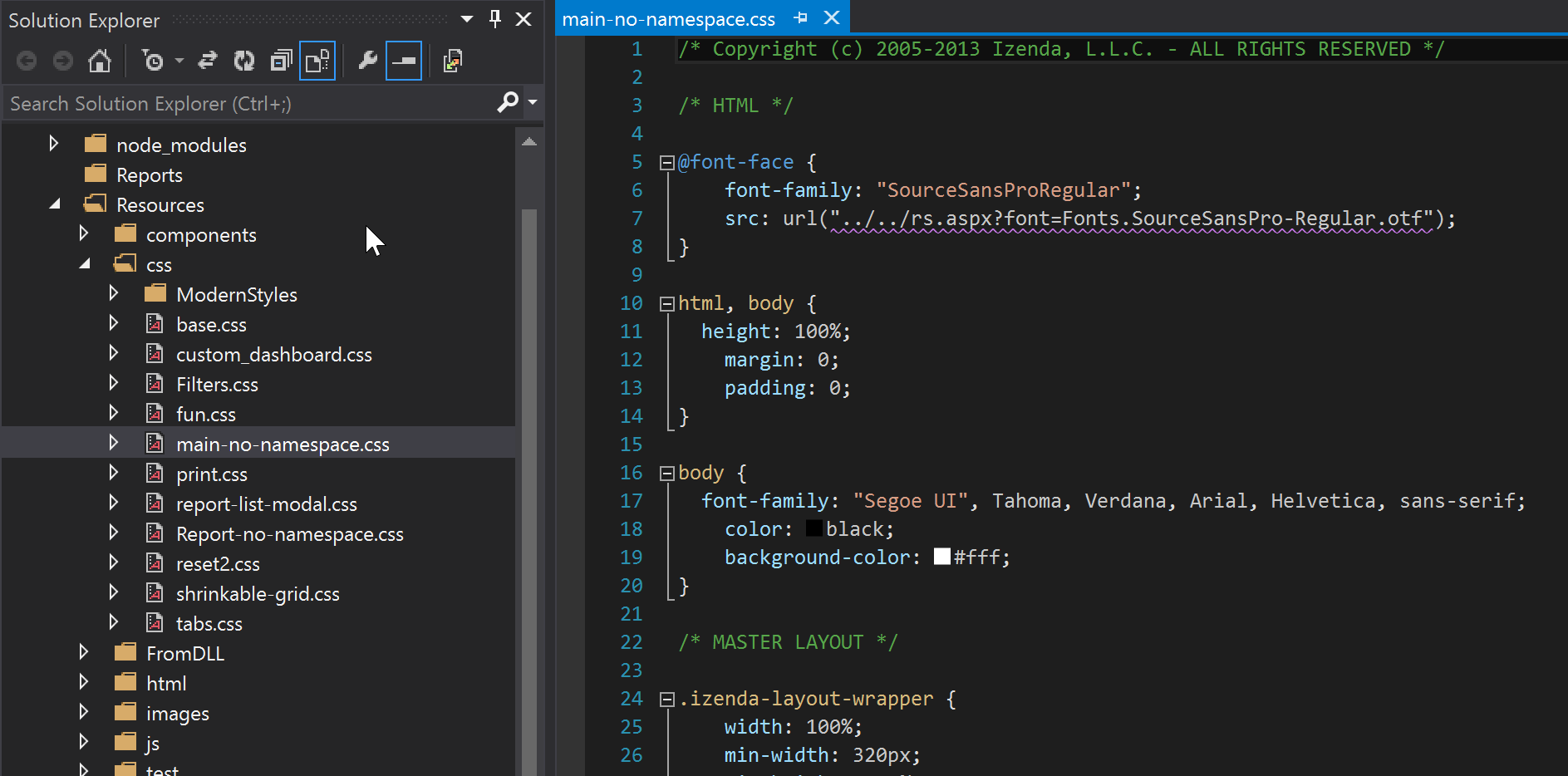
Step 2 » Create a SASS sheet titled main.scss.
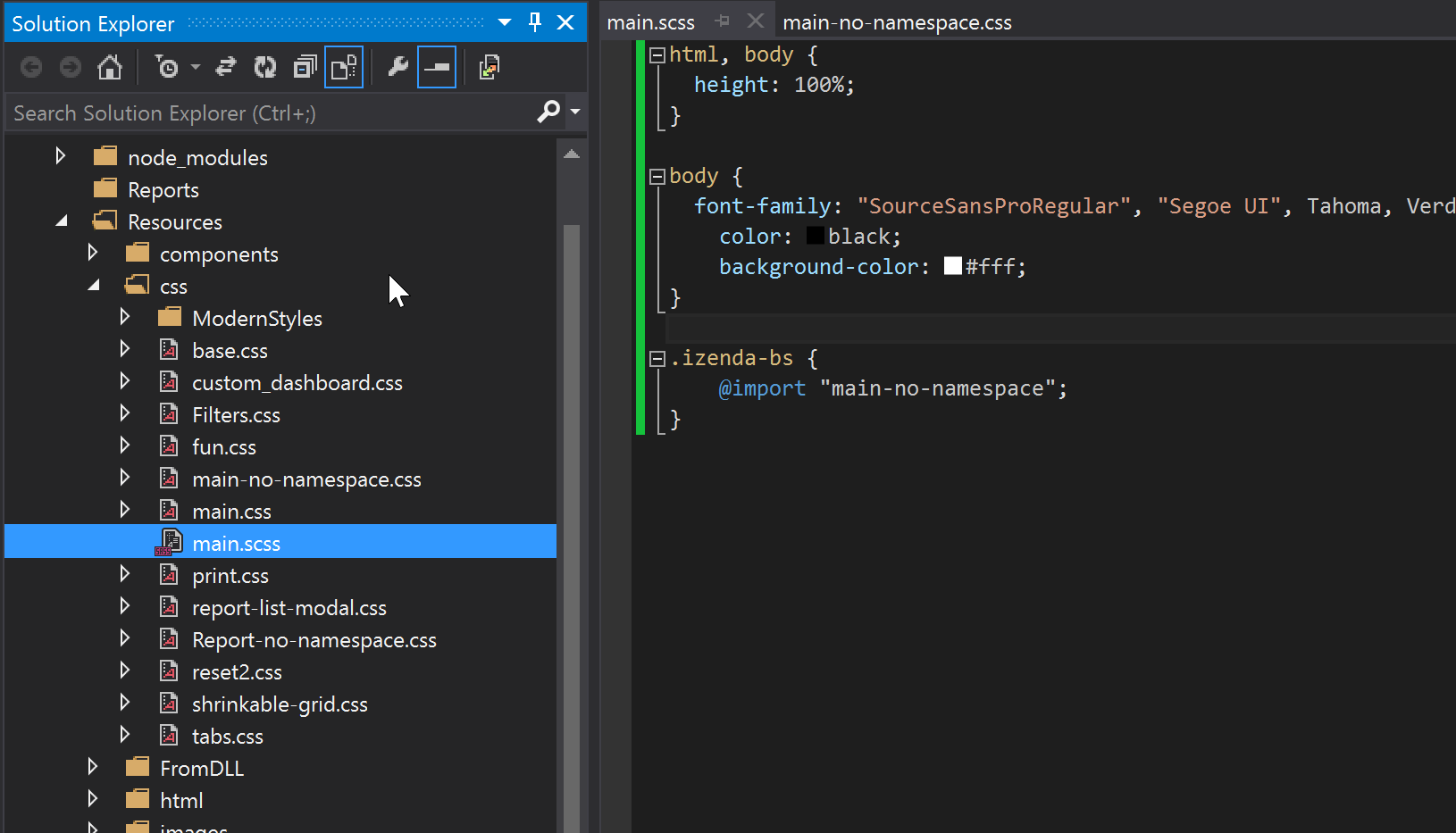
Step 3 » Import the renamed file (in this case, main-no-namespace.css) into the SASS sheet inside the new namespace class. This sheet will compile to main.css.
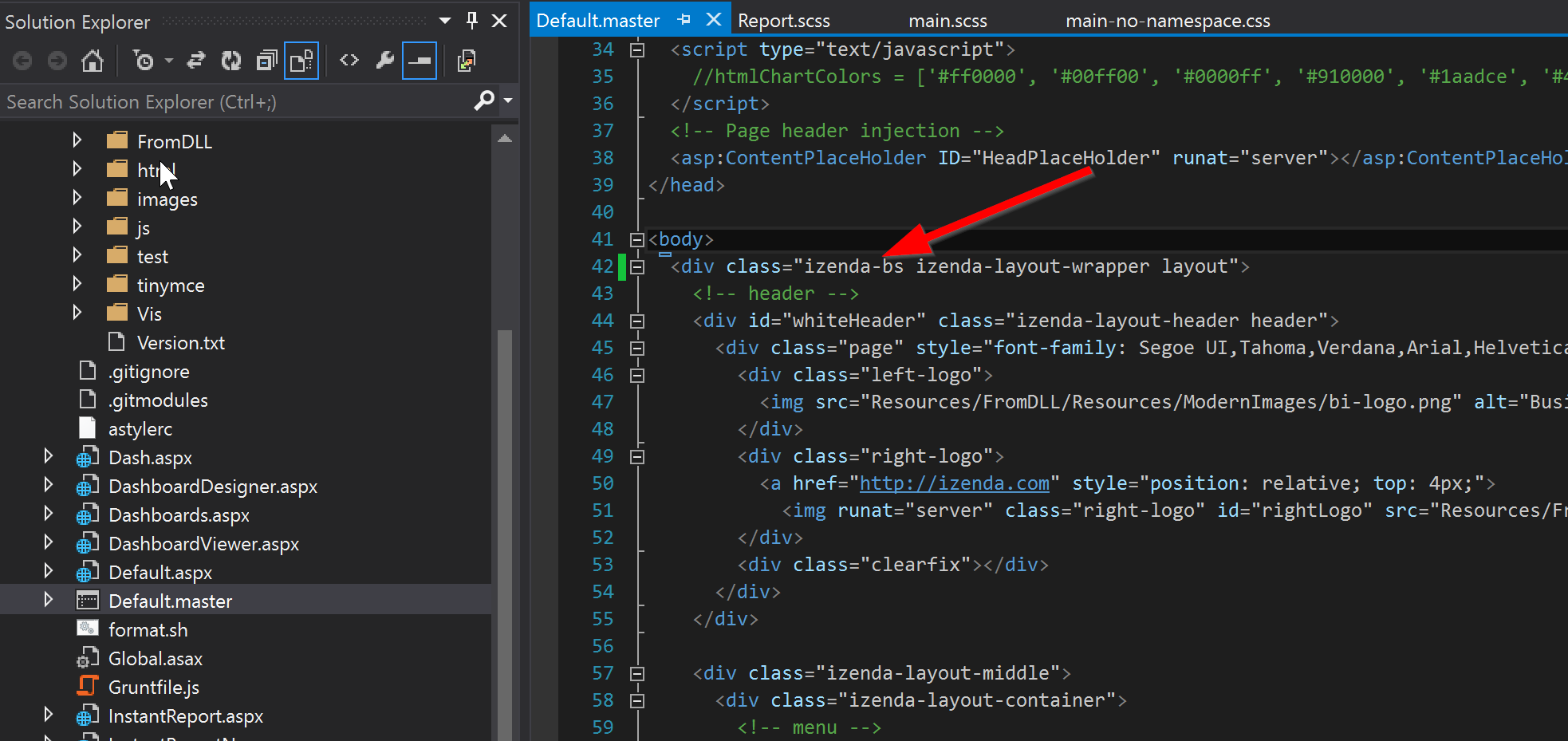
Step 4 » Add the new namespace class (in this case, izenda-bs) to the top-level Izenda div. In our vanilla reference implementations, all Izenda pages render inside of the first div below the body tag in the Default.master page.
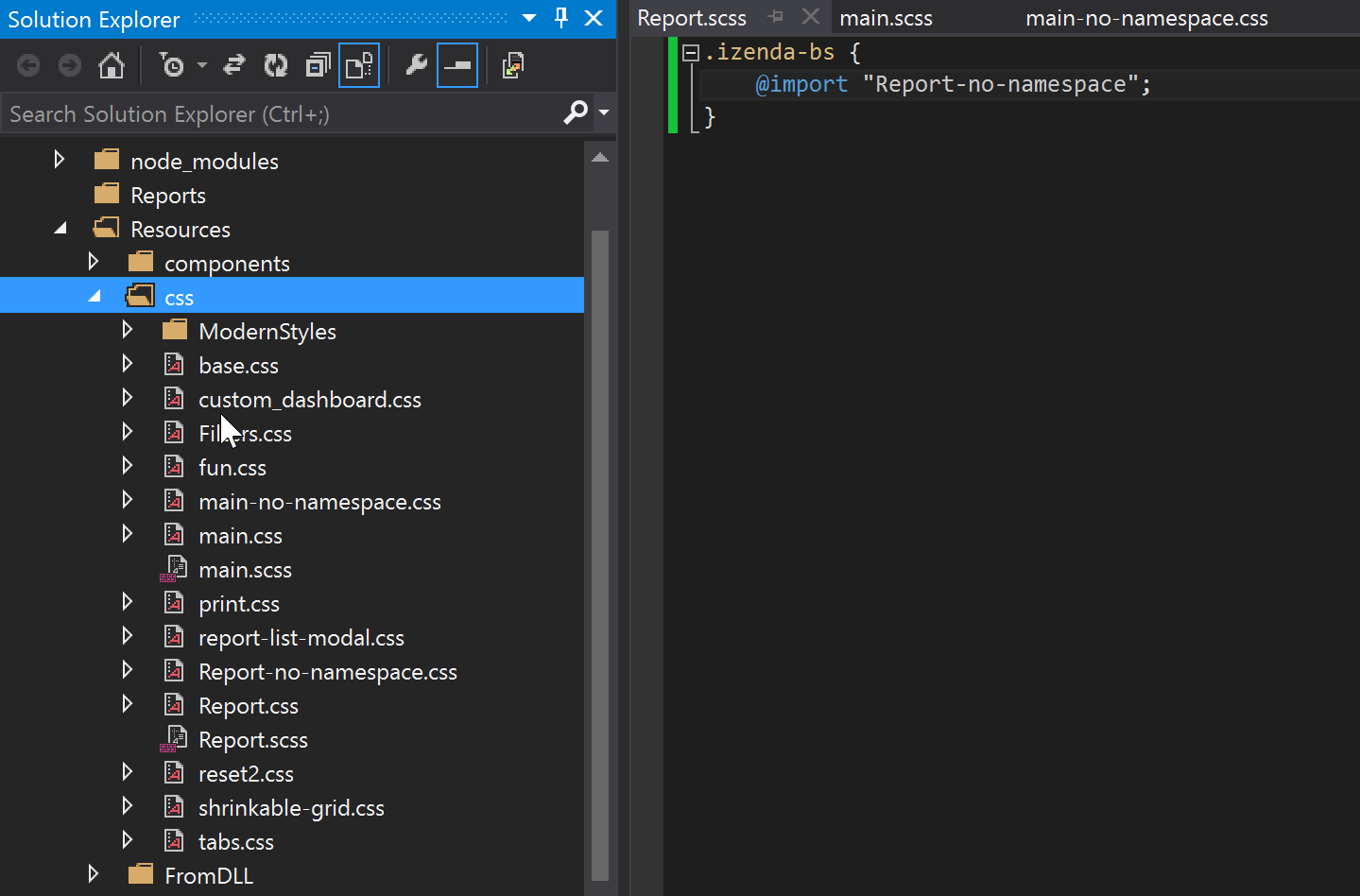
Step 5 » Repeat 1-3 for the Report.css stylesheet.
##Using LESS
LESS uses the same method as SASS for namespacing, but with slightly different syntax for importing in newer versions:
```css .izenda-bs { @import (less) url("main-no-namespace.css"); }