#How to calculate difference between dates?
###Find the difference between two dates
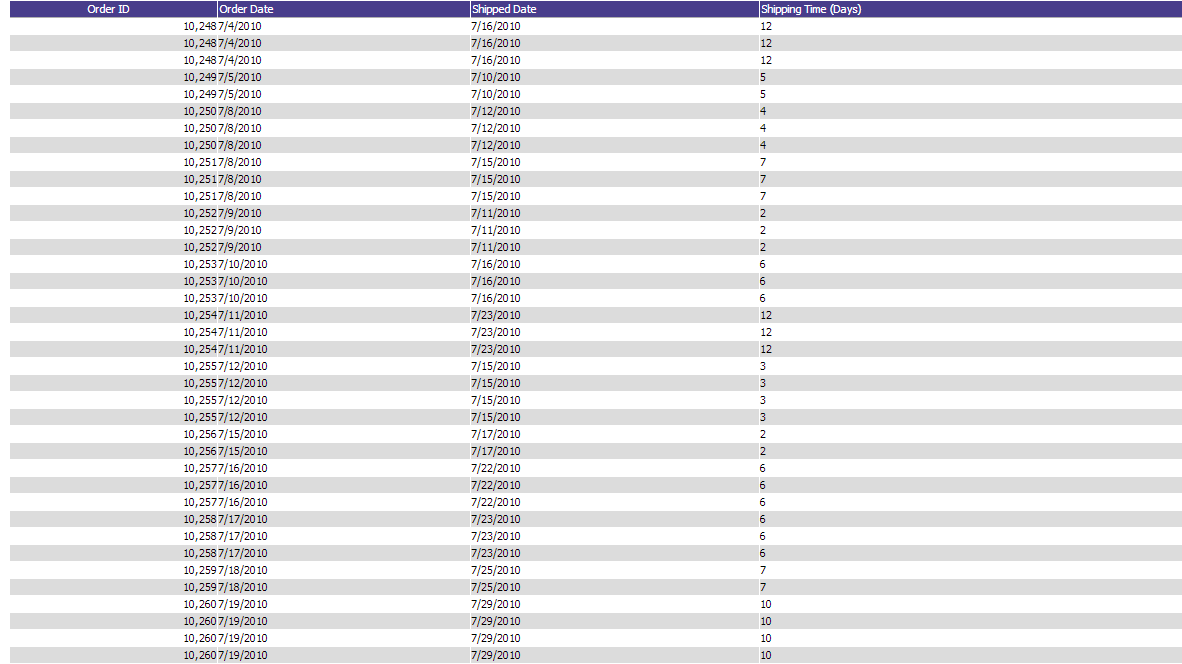
The difference between two dates can be calculated using the simple Arithmetic feature in the Report Designer. Select the two dates you want to use. In our sample below we use ShippedDate and OrderDate. Then select the "minus" sign ([-]) in the arithmetic column (labeled "A") for the second date. The result of this expression will be the difference between the two dates in days.
Note: By default the result is an integer, number of days, but you can also set specified decimal places. Use DateArithmeticDecimalPlaces to do this.
AdHocSettings.DateArithmeticDecimalPlaces = 3;Please see the following simple example of date arithmetic use: