#AllowStackedBarChart
##About
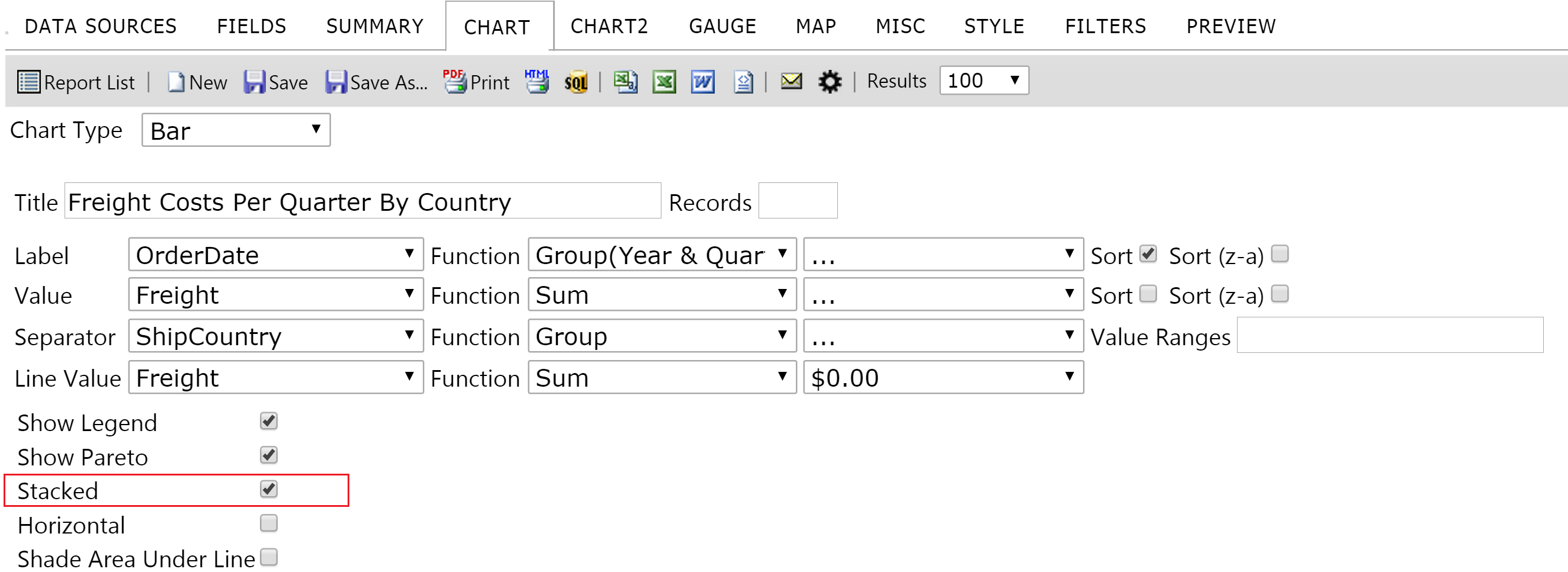
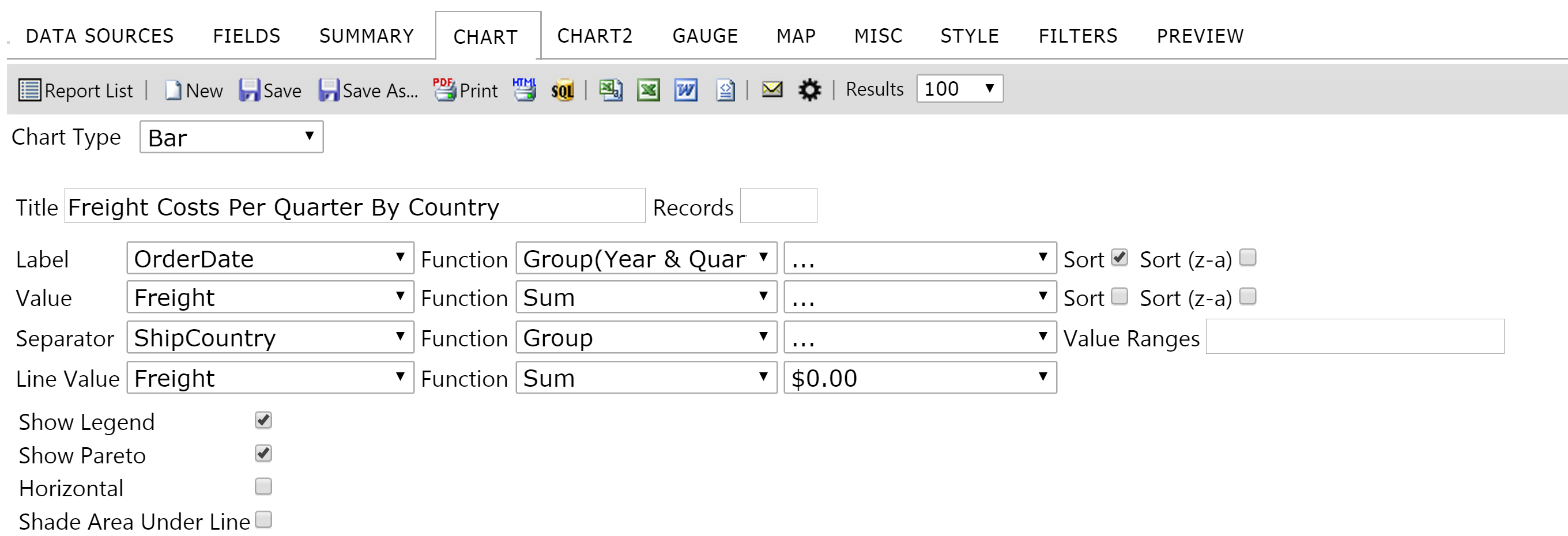
Gets or sets the value indicating whether Stacked Bar Chart is allowed. This defines if the "Stacked" checkbox will be available in the Advanced Properties on the Chart tab in the ReportDesigner when Bar chart type is used.
Default Value: true
##Global.asax (C♯)
//main class: inherits DatabaseAdHocConfig or FileSystemAdHocConfig
public class CustomAdHocConfig : Izenda.AdHoc.DatabaseAdHocConfig
{
  // Configure settings
  // Add custom settings after setting the license key and connection string by overriding the ConfigureSettings() method
  public static void InitializeReporting() {
    //Check to see if we've already initialized.
    if (HttpContext.Current.Session == null || HttpContext.Current.Session["ReportingInitialized"] != null)
      return;
    AdHocSettings.LicenseKey = "INSERT_LICENSE_KEY_HERE";
    AdHocSettings.SqlServerConnectionString = "INSERT_CONNECTION_STRING_HERE";
    Izenda.AdHoc.AdHocSettings.AdHocConfig = new CustomAdHocConfig();
    AdHocSettings.AllowStackedBarChart = true; //The relevant setting
    HttpContext.Current.Session["ReportingInitialized"] = true;
  }
}
##Global.asax (VB.NET)
'main class: inherits DatabaseAdHocConfig or FileSystemAdHocConfig
Public Class CustomAdHocConfig
    Inherits Izenda.AdHoc.DatabaseAdHocConfig

    Shared Sub InitializeReporting()
        'Check to see if we've already initialized
        If HttpContext.Current.Session Is Nothing OrElse HttpContext.Current.Session("ReportingInitialized") IsNot Nothing Then
            Return
        'Initialize System
        AdHocSettings.LicenseKey = "INSERT_LICENSE_KEY_HERE"
        AdHocSettings.SqlServerConnectionString = "INSERT_CONNECTION_STRING_HERE"
        Izenda.AdHoc.AdHocSettings.AdHocConfig = New CustomAdHocConfig()
        AdHocSettings.AllowStackedBarChart = True 'The relevant setting
        HttpContext.Current.Session("ReportingInitialized") = True
    End Sub
End Class
##Screenshots
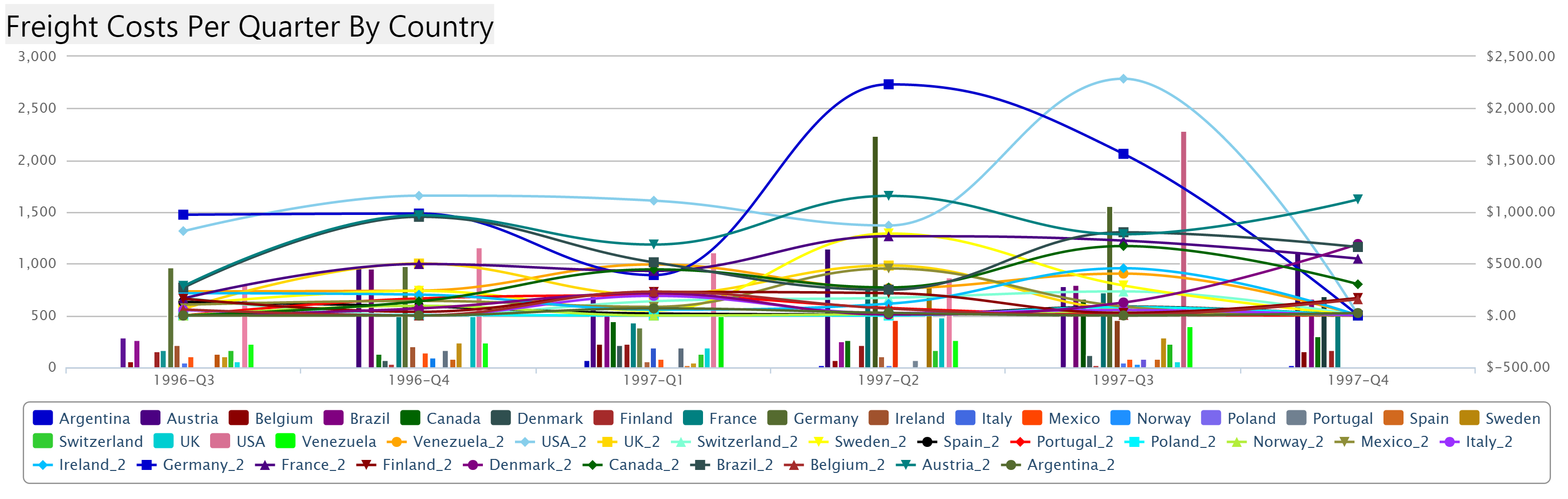
AdHocSettings.AllowStackedBarChart = true
Results
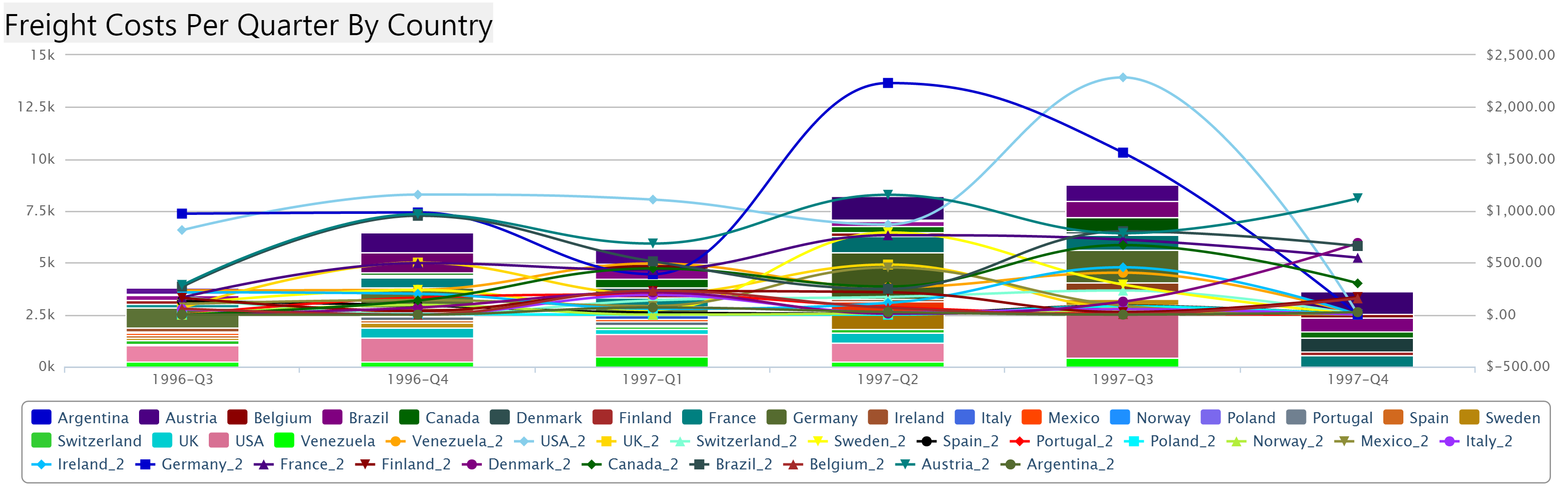
AdHocSettings.AllowStackedBarChart = false
Results